

Quick answer: The developer productivity tools that matter most in 2026 operate outside the code editor, semantic code search, async review, intelligent CI, and living documentation, compounding far more than a faster autocomplete engine.
Introduction
GitHub Copilot changed the conversation about what developer productivity tools could do, but treating it as the ceiling misses the bigger shift happening across engineering workflows. Teams shipping software today are adopting tools that reach far beyond autocomplete, targeting everything from context-aware code search and async review workflows to intelligent CI pipelines that catch regressions before a human ever looks at a diff. The real coding productivity gains in 2026 come from layering these tools into a coherent stack rather than relying on any single AI assistant. What separates high-performing teams from the rest is not which code completion engine they use; it is how deliberately they have assembled the tooling around it.
Key Takeaway: The most impactful developer productivity tools in 2026 operate outside the code editor entirely, optimizing review cycles, CI feedback loops, and team knowledge sharing in ways that compound far more than faster autocomplete.
The Tools That Actually Move the Needle on Developer Efficiency
When engineering teams talk about developer workflow automation, they usually mean the thing closest to the code: the editor, the AI assistant, the linter. But the bottlenecks that slow down shipping rarely live inside the editor. They live in the gaps between writing code and getting it into production, in sluggish review cycles, flaky test suites, scattered documentation, and context-switching between a dozen tabs. The tools worth your attention in 2026 address those gaps directly.
Context-Aware Code Search and Navigation
Traditional code search treats your codebase like a flat text file. You grep for a function name, hope you land in the right file, and manually trace the dependency chain. A new generation of AI dev tools now indexes codebases semantically, letting you search by intent rather than exact string match. Tools like Sourcegraph's Cody and Bloop use embeddings to understand relationships between modules, so a query like "where do we handle payment retries" returns the actual retry logic rather than every file containing the word "retry." Research tracking AI tool integration in production confirms that these semantic search layers reduce context-switching time measurably across large codebases. For teams working in monorepos or sprawling microservice architectures, this category of tool eliminates one of the most underestimated drains on developer efficiency: the ten minutes spent just finding the right code before you can start changing it.
Sourcegraph Cody: semantic code search plus AI chat grounded in your actual repository context
Bloop: natural language code navigation with regex fallback for precision queries
Phind: developer-optimized search engine that blends web results with code-specific reasoning
Greptile: codebase-aware AI that answers architecture questions by indexing your repos directly
Async Collaboration and Review Acceleration
Code review remains one of the highest-friction activities in any engineering team's week. A pull request sits open for hours or days, blocking the author from moving forward and forcing context switches when reviewers finally get to it. Tools like Graphite and Aviator are redesigning this workflow by introducing stacked diffs, automated merge queues, and review assignment intelligence that keeps PRs moving without requiring synchronous attention. For remote engineering teams spread across time zones, these async layers are not a nice-to-have; they are the difference between shipping daily and shipping weekly. The most effective teams treat review tooling as infrastructure, not optional polish.
Where the Next Wave of Developer Stack Optimization Is Happening
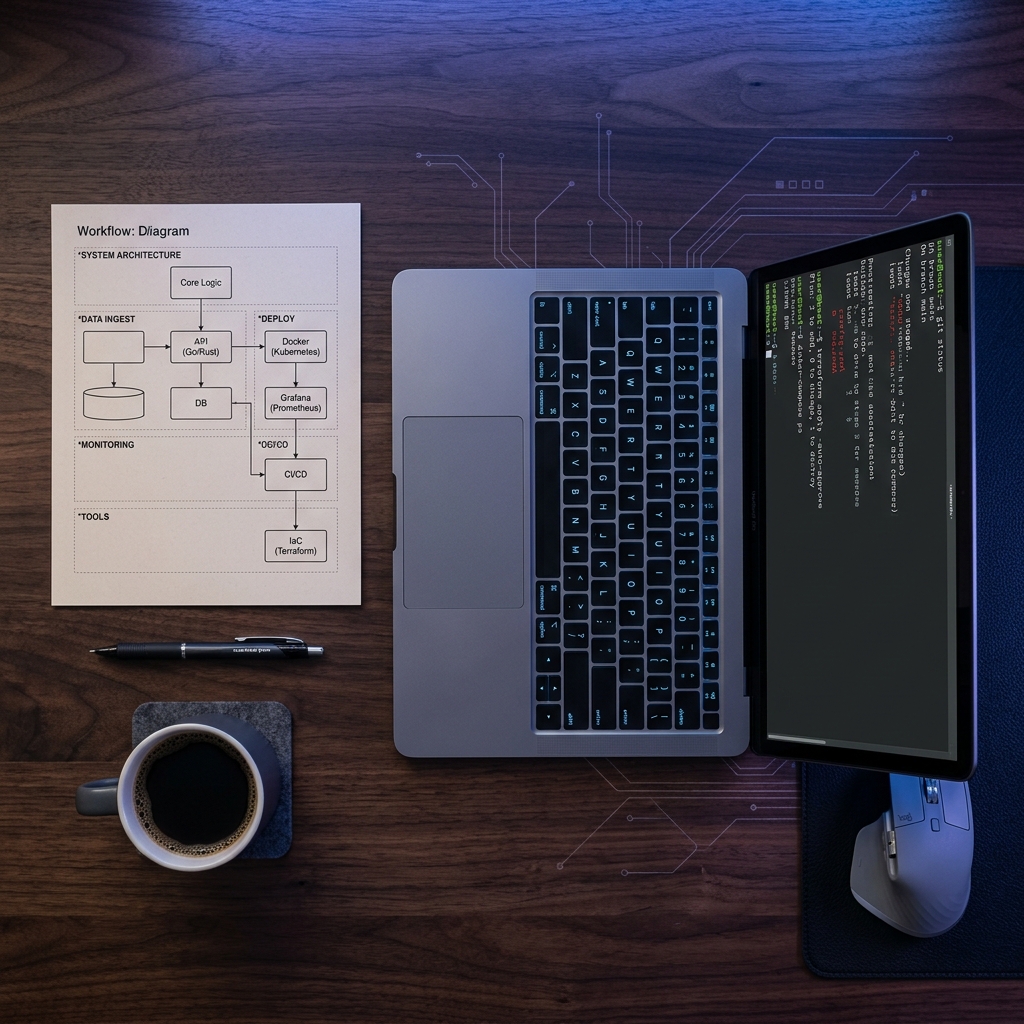
If the first wave of AI dev tools focused on generating code faster, the second wave focuses on making everything around the code faster: testing, deployment, documentation, and team knowledge flow. These categories do not generate headlines the way a flashy autocomplete demo does, but they deliver compounding returns that directly affect how quickly a team can ship reliable software.
Intelligent CI and Automated Testing Tools
Flaky tests and slow CI pipelines are among the most corrosive forces in a developer's daily experience. When a pipeline takes 40 minutes and fails on an unrelated integration test, the cost is not just the wait time; it is the mental overhead of re-engaging with a change you had already moved past. Tools like BuildPulse identify and quarantine flaky tests automatically, while Trunk and Launchable use historical data to predict which tests are most likely to fail for a given diff, running those first and cutting feedback loops from tens of minutes to single digits.
Evidence from published research shows that teams adopting AI-driven recommendations in their testing and deployment pipelines see measurable reductions in both bug rates and cycle times. For mid-to-senior engineers evaluating their stack, investing in CI pipeline intelligence often yields a better return on time than switching to a marginally better code completion model. The feedback loop between writing code and knowing whether it works is where real software development tools earn their keep.
Developer Knowledge Bases and Documentation Tools
The other silent productivity killer is tribal knowledge trapped in Slack threads, outdated Confluence pages, and the heads of senior engineers who happen to be on vacation. Tools like Swimm and Stenography attach living documentation directly to the codebase, auto-updating explanations when the underlying code changes. Notion's new API integrations and developer knowledge base templates have also made it easier for teams to centralize architecture decisions and onboarding materials in a single, searchable place.
The payoff is not glamorous, but it is substantial. When a new team member can answer their own questions by searching indexed documentation instead of interrupting a senior engineer, the team's effective throughput increases without anyone writing a single additional line of code. Stanford's software engineering productivity research group is actively studying how AI affects engineering teams at scale, having already worked with over 600 organizations and 120,000 engineers, underscoring how seriously the industry now treats developer experience and productivity measurement.
Evaluating Tools Without Falling for Hype
The hardest part of adopting new developer productivity tools is not finding them. It is knowing which ones are worth the switching cost and which will become shelf-ware within a quarter. Engineering teams that evaluate developer tools effectively share a few common habits that keep them from wasting cycles on tools that look impressive in demos but fail in practice.
The Framework That Actually Works
Start by identifying your team's actual bottleneck, not the bottleneck you assume exists. If your engineers spend 30% of their week on code review and only 10% writing new code, an autocomplete upgrade is optimizing the wrong 10%. Map your workflow from ticket to production deploy and measure where time disappears. Then evaluate tools that target those specific gaps.
DevvPro's engineering teams guide for 2026 reinforces this point: the best-performing teams do not chase the most popular tool. They run small, time-boxed experiments with clear success criteria. A two-week trial with a defined metric (review turnaround time, CI pass rate, onboarding time-to-first-commit) tells you more than six months of casual use ever will.
Signals That a Tool Is Worth Keeping
After the trial period, three signals separate tools that stick from tools that fade. First, adoption should be organic: if engineers keep using the tool after the initial push without being reminded, it is solving a real problem. Second, the tool should reduce interruptions rather than create new ones. A dashboard nobody checks or a notification layer nobody reads is negative value. Third, the tool should integrate cleanly into your existing developer tool stack without requiring the team to rearchitect their workflow around it.
The best tools for developer workflow automation disappear into the background. You notice their absence, not their presence. That is the bar worth holding every new addition to.
Conclusion
The developer productivity tools reshaping how teams build in 2026 are not competing with Copilot; they are filling the gaps Copilot was never designed to address. Semantic code search, async review acceleration, intelligent CI, and living documentation each target a different bottleneck, and the teams seeing the biggest gains are the ones assembling these layers deliberately rather than chasing the latest autocomplete upgrade. The path forward is not about finding one magic tool. It is about building a stack where every piece earns its place by solving a real, measured problem.
Explore more practitioner-driven guides on engineering tooling and workflow optimization at DevvPro.
Frequently Asked Questions (FAQs)
What are the best developer productivity tools in 2026?
The strongest options include Sourcegraph Cody for semantic code search, Graphite for stacked PR workflows, Launchable for intelligent test selection, and Swimm for living documentation, each targeting a distinct bottleneck beyond code generation.
How do developer tools improve team output?
They reduce friction at the points where time is actually lost, such as slow code review cycles, flaky CI pipelines, and scattered documentation, freeing engineers to spend more time on meaningful work.
Which developer productivity tools beat GitHub Copilot?
Tools like Graphite, BuildPulse, and Greptile do not compete with Copilot directly but address workflow gaps that Copilot cannot touch, making them complementary rather than replacements.
How to optimize developer workflow for faster shipping?
Map your team's actual time expenditure from ticket to deploy, identify the largest bottleneck, and run a time-boxed trial of a tool that targets that specific gap with a measurable success metric.
Are AI coding assistants worth it for engineering teams?
Yes, but only as one layer in a broader stack; teams that pair AI code completion with intelligent CI and async review tools see significantly larger compounding productivity gains than those relying on code generation alone.
How do top engineering teams evaluate new dev tools?
They run two-week trials with predefined success criteria, track organic adoption after the initial push, and reject any tool that adds interruptions or requires the team to restructure their existing workflow.
What productivity tools work best for remote engineering teams?
Async-first tools like Graphite for merge queue management, Swimm for self-serve documentation, and Slack-integrated CI notification layers provide the most value for distributed teams working across time zones.