

The proliferation of developer-focused publications has turned platform selection into an engineering decision with long-term editorial consequences. Webflow CMS for developers sits in a peculiar sweet spot: it is neither a pure static site generator nor a traditional monolithic CMS, and that hybrid nature is exactly what makes it worth scrutinizing. For mid-level and senior engineers evaluating where to build or migrate a technical blog, the question is not whether Webflow can publish posts, but whether its architecture, editorial workflow, and hosting model can sustain a serious publication. The answer involves real trade-offs that marketing pages rarely surface.
Most engineers default to Ghost or WordPress when standing up a blog, and for understandable reasons. Both have mature ecosystems, well-documented APIs, and years of community momentum behind them. Webflow enters this conversation from a different angle: it treats the blog as a design-first, CMS-native artifact where content structure and visual presentation are configured in the same environment. That approach has tangible implications for how you manage dynamic content, scale your editorial operations, and retain control over your output.
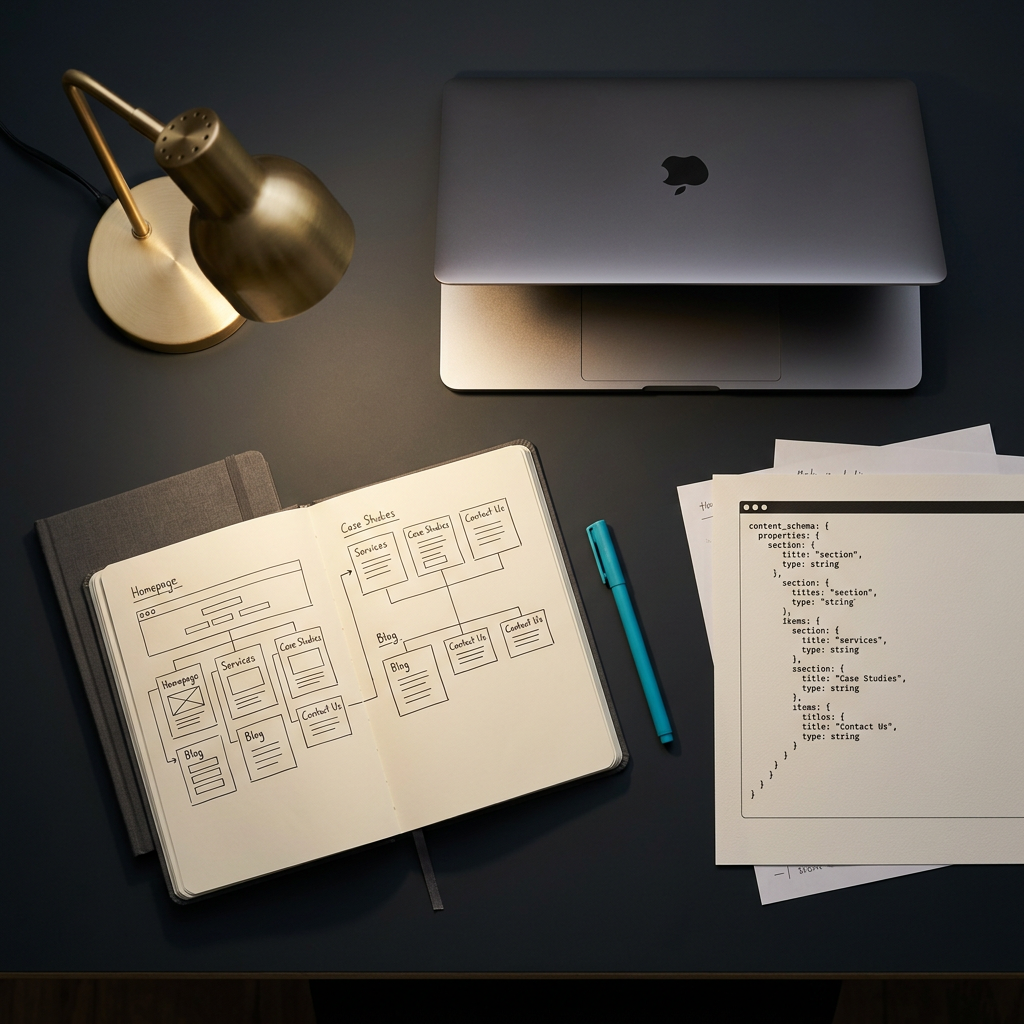
Webflow's CMS collections are the backbone of its blogging capability. Each collection functions as a structured database table where you define custom fields, reference relationships, and conditional visibility rules. For a developer blog, this means you can model your content with the same rigor you would apply to a developer toolchain schema: separate fields for code language tags, author bios, estimated reading time, and taxonomy categories.
Webflow hosting runs on a globally distributed CDN backed by AWS and Fastly, which means your technical blog gets sub-100ms TTFB in most North American regions without any infrastructure management on your end. This is a meaningful advantage over self-hosted WordPress, where you would need to configure caching layers, CDN integrations, and server scaling yourself. The trade-off is that you have zero control over the underlying server environment. You cannot install custom middleware, run server-side scripts, or modify HTTP headers beyond what Webflow exposes in its dashboard. For a content publication that primarily serves rendered pages, this constraint rarely matters. For modern dev tools that require server-side logic, it becomes a hard wall.
Choosing a developer blog platform is ultimately about matching your editorial ambitions with the platform's strengths and constraints. A fair comparison requires looking at Webflow alongside Ghost and WordPress through the lens of what a technical publication actually demands: structured content, SEO control, editorial workflow, and long-term maintainability.
Ghost is purpose-built for publishing. Its Markdown-native editor, built-in membership and newsletter tooling, and Node.js architecture make it a natural fit for developer blogs that prioritize writing speed and reader engagement. Webflow cannot match Ghost's editorial velocity out of the box. The headless CMS approach that Ghost supports natively requires workarounds in Webflow, typically involving its API layer and an external front end.
WordPress, on the other hand, competes on ecosystem breadth. With thousands of plugins for SEO optimization, code syntax highlighting, and multi-author management, WordPress lets you solve almost any editorial problem with an existing solution. The cost is complexity: plugin conflicts, security patching, and database performance tuning become ongoing responsibilities. Webflow sidesteps this entire maintenance surface by being a closed platform with a curated feature set. You trade extensibility for operational simplicity.
Where Webflow genuinely excels is in design control paired with content structure. No other platform in this category lets you visually compose responsive layouts while simultaneously defining the CMS schema that powers them. For engineering teams that care about brand presentation and want pixel-level control without writing CSS from scratch, Webflow removes an entire layer of friction. Publications like DevvPro demonstrate how a lean, content-forward site can leverage this approach to deliver an authoritative reading experience without the overhead of a traditional CMS stack.
Webflow generates clean, semantic HTML and provides granular control over meta titles, descriptions, Open Graph tags, and canonical URLs at the page and collection level. Sitemaps are auto-generated, and 301 redirects are manageable through the dashboard. For a technical blog targeting developer blogs in the US and Canada, these built-in SEO controls cover the essentials without requiring plugins or third-party integrations.
However, Webflow does not natively support structured data (JSON-LD) for articles, which is a notable gap for engineering publications that want rich snippets in search results. You can inject custom code into the page head or body, but this requires manual maintenance and does not scale cleanly across hundreds of posts. Ghost handles this automatically with its structured data output, and WordPress has mature plugins like Yoast that generate schema markup without manual intervention. If SEO optimization for blog content is a primary concern, this is a legitimate shortcoming to factor into your decision. The rendering performance advantage that Webflow's CDN provides partially offsets this by delivering strong Core Web Vitals scores, which are increasingly weighted in search ranking algorithms.
A blog platform's value extends well beyond its publishing interface. For any engineering journal that plans to publish consistently, the editorial workflow, author management, and content governance features determine whether the platform supports or hinders your operation.
Webflow's collaboration model has improved significantly but still lags behind dedicated publishing platforms. You can invite team members with different permission levels (Designer, Content Editor, Admin), and the Editor role is specifically designed for non-technical contributors who need to create and update CMS content without touching the design layer. This separation works well for small teams where one or two engineers maintain the site structure while editors or guest authors handle posts.
The limitation surfaces at scale. Webflow does not offer native editorial workflows like draft approvals, scheduled publishing queues with reviewer gates, or inline commenting on post drafts. Ghost provides all of these. WordPress, with plugins like editorial workflow extensions, covers them thoroughly. If your engineering publication plans to manage multiple authors with different editorial oversight requirements, Webflow will require external tooling or manual coordination to fill those gaps.
Portability is where Webflow introduces genuine risk for a serious publication. Your content lives inside Webflow's proprietary CMS, and while the API allows data extraction, there is no standardized export format that maps cleanly to another platform. Migrating a 200-post archive from Webflow to Ghost or a headless CMS would require custom scripting to transform the data, remap media assets, and rebuild templates. This is a non-trivial engineering project.
By contrast, Ghost exports to JSON, and WordPress offers XML exports that are widely supported. For teams building an engineering blog they intend to maintain for years, the lock-in factor deserves honest weight. Webflow's value proposition is compelling enough to justify this trade-off for many teams, but it should be an informed decision rather than a discovered surprise two years into a publication. DevvPro's own architecture choices reflect this calculus: lean content structure, minimal external dependencies, and a design language that keeps the focus on the writing rather than platform-specific features that would deepen lock-in.
Webflow is a credible developer blog platform for teams that prioritize design control and operational simplicity over editorial workflow depth and data portability. Its CMS collections provide genuine content architecture capabilities, its hosting performance is excellent by default, and its visual design tools eliminate a category of frontend work that other platforms push onto you. The honest gaps are in structured data, multi-author governance, and long-term portability. For a small engineering publication or a solo developer building a focused technical blog, those trade-offs are manageable. For a larger operation with complex editorial needs, they warrant careful tooling evaluation before committing.
Explore DevvPro's engineering journal for more practitioner-driven analysis on developer tools, technical workflows, and the decisions that shape how engineers build.
Yes, Webflow's CMS collections support structured blog content with custom fields, dynamic templates, and API access, making it fully capable of powering a developer blog.
The best platform depends on your priorities: Ghost excels at editorial workflow, WordPress offers ecosystem breadth, and Webflow provides unmatched design control with built-in hosting.
Developers typically define CMS collection schemas for posts, build responsive templates in the visual designer, and use the Editor role or API to publish and manage content.
Ghost is better for teams that need native membership features, Markdown editing, and structured data output, while Webflow is stronger for teams that want visual design control without writing CSS.
You can create an Authors CMS collection with profile fields and link it to posts via reference fields, then assign team members the Editor role for content-only access.
.png)
.avif)